¶ About
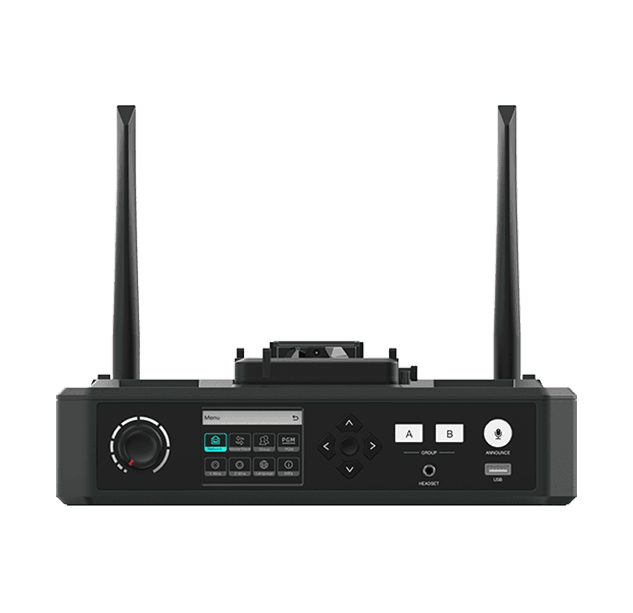
The Hollyland Solidcom C1 Hub is used alongside the Solidcom C1 Headsets which allows A/B grouping, as well as interfacing with a number of external systems.
¶ Pairing a Remote Headset
If you are using the Master headset, and not the Hub, see the dedicated pairing section on its page.
To pair a Remote headset with the Hub:
- Power on the hub and any headsets you expect to be connected, whether or not they are paired already.
- Using a USB-A to USB-C cable (typically found in the case for the hub), connect the headset to the front USB port of the hub.
- When the screen on the hub shows the available slots to pair the headset with, use the arrow buttons (← + →) to select which number you wish to pair, then use the center button to select it. The light by the microphone on the headset should flash green and after a few seconds the headset should pair. Ideally each headset should be paired with the slot correlating to the number sticker on it, giving an easy way to tell shich headset batteries are running low on the screen.
- To pair additional headsets, repeat steps 2-3, making sure any headsets you have already paired remain powered on and in range.